


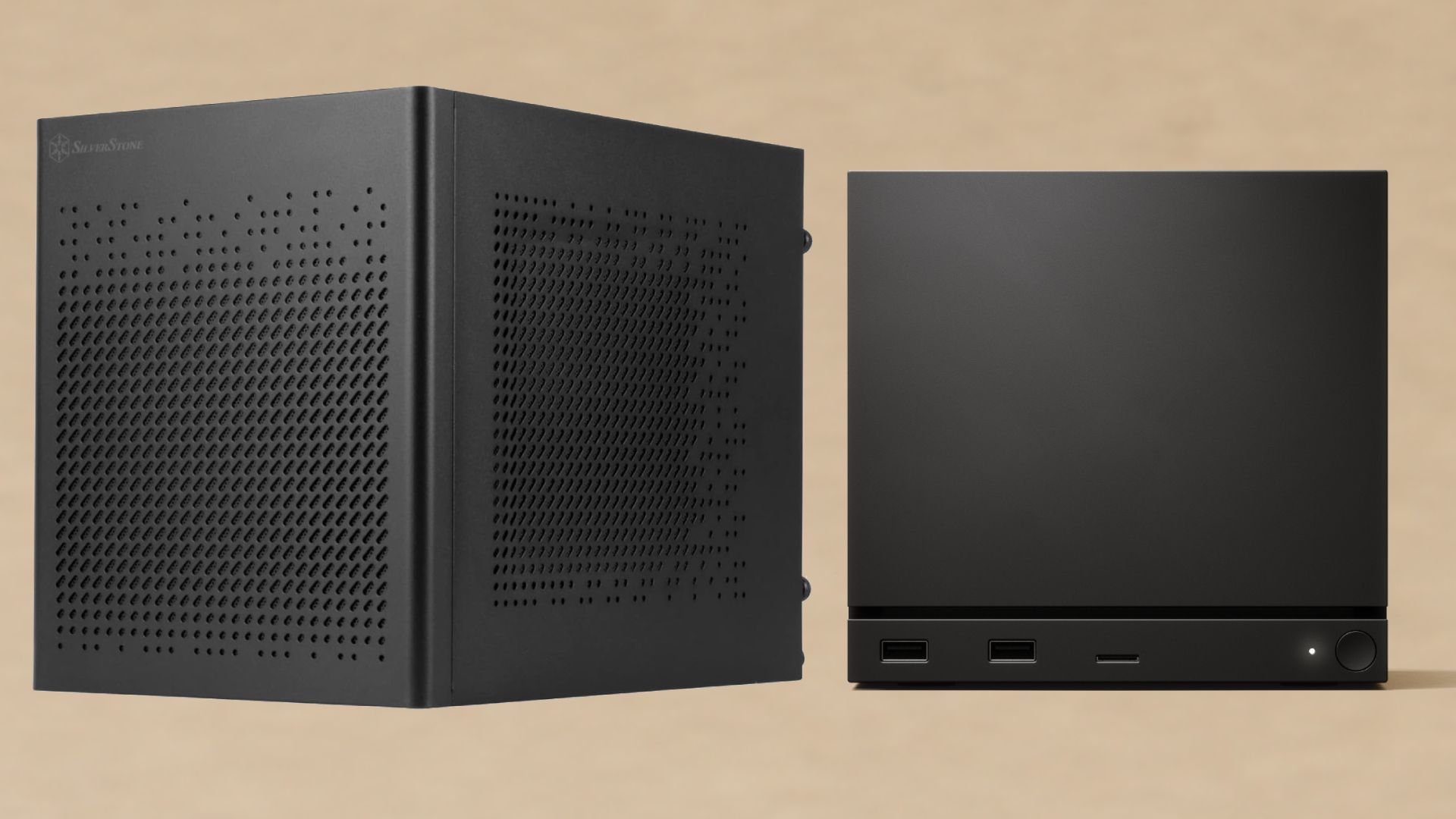
Introduction to Compact Gaming PCs
As the gaming landscape continues to evolve, the demand for high-performance yet compact gaming solutions has surged. The emergence of Valve's Steam Machine has raised questions among gamers about the viability of small-form-factor (SFF) gaming PCs. While Valve's offering aims to blend console accessibility with PC flexibility, savvy gamers are exploring alternative options that deliver superior performance without breaking the bank. This article delves into how to build a compact gaming PC that rivals, if not surpasses, the capabilities of a Steam Machine while remaining cost-effective.
Understanding the Components
Building a compact gaming PC requires a keen understanding of the essential components that will deliver optimal performance in a small form factor. The key parts include the CPU, GPU, motherboard, power supply, cooling system, and storage. Each component plays a crucial role in determining the overall performance, thermal management, and size of the final build.
Choosing the Right CPU
The central processing unit (CPU) is the heart of any gaming rig. For a compact gaming PC, it is advisable to select a CPU that balances power consumption and performance. AMD's Ryzen series and Intel's Core i5 or i7 processors are popular choices that deliver exceptional gaming performance. Opting for a model with integrated graphics can also save space and reduce costs, but for dedicated gaming, a discrete GPU is recommended.
Selecting a High-Performance GPU
The graphics processing unit (GPU) is arguably the most critical component for gaming performance. For a compact build, choosing a GPU that fits within the physical constraints of the case while still offering robust performance is essential. Models like the NVIDIA GeForce RTX 3060 or AMD Radeon RX 6600 provide excellent performance at reasonable price points, making them ideal candidates for compact builds.
Motherboard Considerations
When selecting a motherboard for a small-form-factor gaming PC, compatibility with the chosen CPU and GPU is paramount. Mini-ITX motherboards are often the best choice for compact builds, providing a good balance of features and size. Look for motherboards that offer multiple connectivity options, including USB-C, HDMI, and ample RAM slots to future-proof your build.
Power Supply Choices
A compact gaming PC requires a power supply that is both efficient and appropriately sized for the components. Modular power supplies can help manage cables more effectively, reducing clutter within the case. A power supply rated at 80 Plus Gold or Platinum is recommended for improved efficiency, which is especially important in a compact environment where airflow may be limited.
Effective Cooling Solutions
Thermal management is a crucial consideration in any gaming PC, but it becomes even more critical in a compact build. Opting for a quality CPU cooler that fits within the size constraints of the case is essential. Additionally, ensuring that the case has adequate airflow through well-placed fans will help maintain optimal temperatures during intense gaming sessions. Liquid cooling solutions are also available but may require more space and careful planning.
Storage Options for Speed and Efficiency
Storage is another vital component in building a compact gaming PC. Solid State Drives (SSDs) are preferred for their speed and reliability over traditional Hard Disk Drives (HDDs). NVMe SSDs offer the fastest data transfer rates and take up less space, making them ideal for compact builds. A combination of a smaller SSD for the operating system and a larger HDD for additional game storage can provide a balanced solution.
Choosing the Right Case
The case is the foundation of your compact gaming PC build. Selecting a case that is small yet spacious enough to accommodate all the components is crucial. Look for cases specifically designed for small-form-factor builds that feature efficient airflow designs and cable management solutions. Brands like NZXT, Cooler Master, and Fractal Design offer a variety of options that cater to different aesthetic preferences and functionality needs.
Budgeting for Your Build
Building a compact gaming PC can be done within the same price range as a Steam Machine, especially if you are willing to make informed choices about components. A well-rounded budget should account for all necessary parts, including the case, cooling solutions, and peripherals. By researching deals and considering refurbished or used components, gamers can maximize their budget without sacrificing performance.
Software and Operating Systems
Once the hardware is assembled, selecting the right operating system and software is pivotal. Windows remains the most popular choice for gaming, with a vast library of compatible titles. However, for gamers looking for a more cost-effective solution, Linux-based operating systems can also be configured for gaming, especially with the rise of compatibility layers like Proton.
Building and Testing Your Compact Gaming PC
With all components chosen and purchased, the next step is to assemble the compact gaming PC. Following the motherboard manual and ensuring proper cable management will simplify the process. Once assembled, thorough testing should be conducted to ensure all components function harmoniously. Stress tests and benchmarking can help evaluate performance and thermal efficiency under load.
Conclusion: A Personalized Gaming Experience
Building a compact gaming PC not only allows for customization tailored to individual gaming preferences but also provides a cost-effective alternative to pre-built systems like the Steam Machine. By carefully selecting components, managing budgets, and ensuring effective thermal management, gamers can create a powerful and portable rig that meets their gaming needs. As the gaming industry continues to innovate, the ability to build a personalized gaming machine remains a compelling option for enthusiasts, offering both performance and value.